





Here’s what you get:

Many customers have asked for a
“ Have it All ” special price discount.
They want all of the brushes... and they
want training too... all at a discount
bundle price. YES, we can do that!
MORE INFO...
•
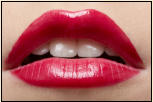
The Lip Gloss brush set. Regular $36
•
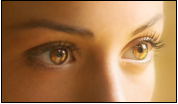
The Catch Light brush set. $32
•
The Iris Texture brush set. $34
•
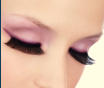
The Eye Lashes brush set $34
•
2 Hours of Live On-Line Training $70
Click on the links here to explore the other areas of our site
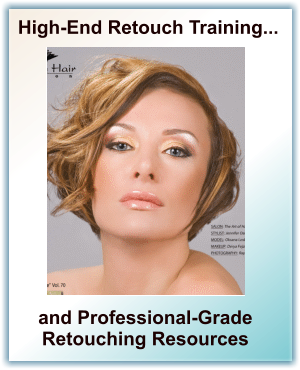
We Train Photographers, Retouchers, Agencies, and Photoshop Users ... “How to Retouch” Professionally.
We Teach Non-Destructive, High-End, Totally Adjustable Retouch Workflows... the methods used by Professional Magazine Retouchers.
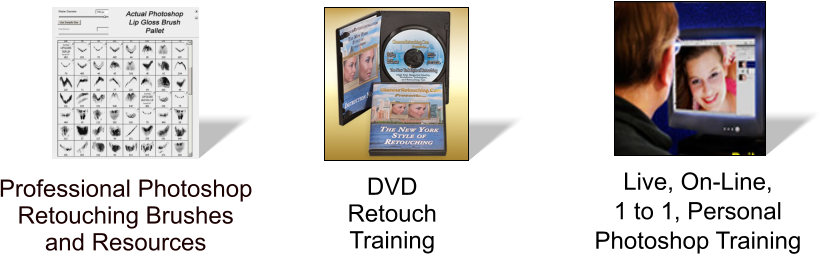
We Offer Live On-Line Personal Training, DVD Courses, Photoshop Brushes, Resources, Tutorials, and Unique Retouching Tools and Products.


Professional Retouching Tools, Training, and Resources








•
Live, Personal, Retouch Training On-Line
•
High-End Magazine Retouchers Workflow
•
LIVE Video Instructors Show You Everything
•
1 to1 Personal Audio /Video - Webinar
•
Ask Any Questions - Easy to Learn
•
Very Cost Effective - Discount $35 per Hour
•
Choose the Day and Time Best for You
•
International Training - 11 time Zones


Welcome to Glamour Retouching.Com


Take your images from average to
amazing... with our new Digital Makeup
Master Course! Learn all the tricks to
create realistic and totally vibrant looking
digital makeup...the workflow that the
Magazine Retouchers use. MORE INFO....
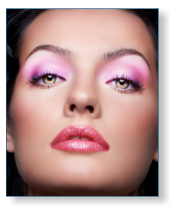
Use our Professional Photoshop
Retouch Brushes to create absolutely
stunning lip glosses, paint on dramatic
and perfect eye lashes, add brilliant
catch lights, and make your subjects
eyes bright and sparkling. All Pro
brushes now at Discount Price!
MORE INFO...

.

Special Retouching Brushes
Live Training
One of Everything
Best Makeup Course